Guide · T10
Your organisation’s details
Before you start
- Signed in as a Compliance Officer or Senior Manager (everyone else can read the page but not change it)
-
Open Organisation
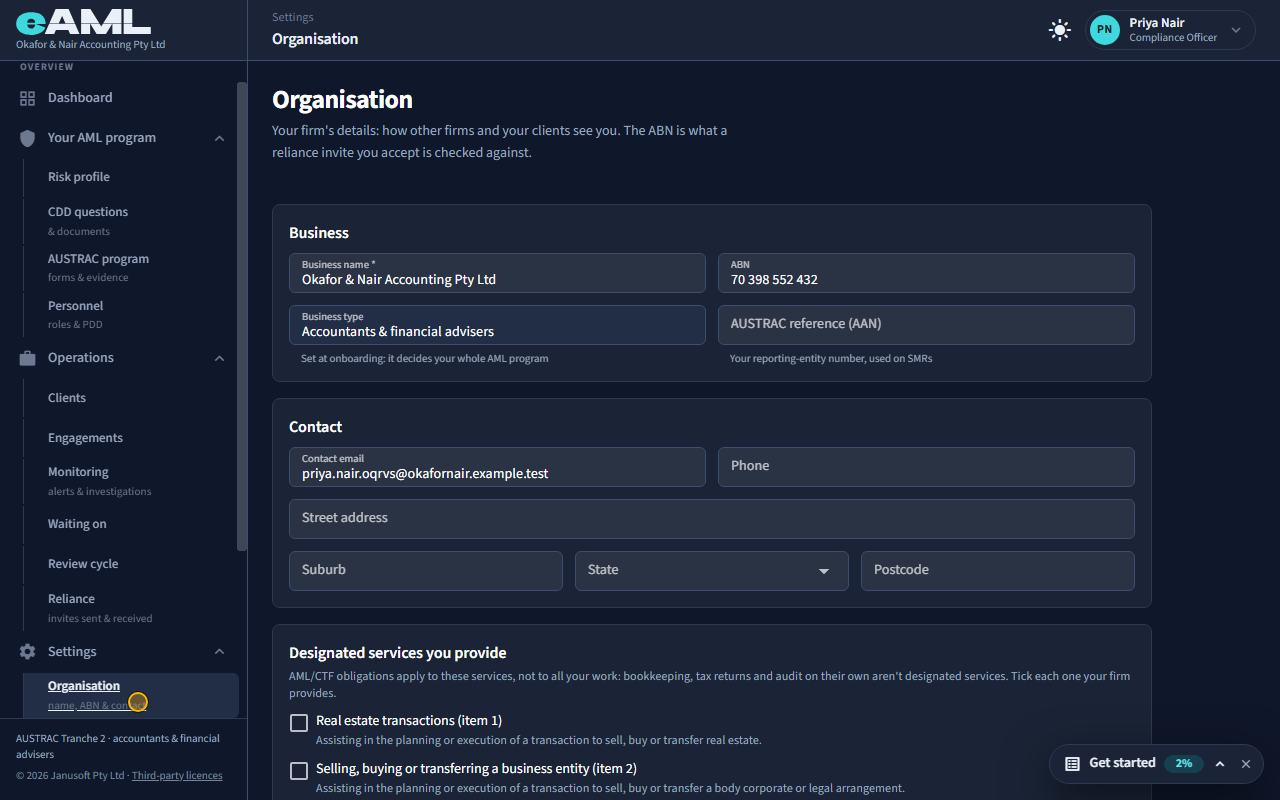
In the menu, under Settings, select Organisation.
This page is your firm’s own details: how other firms and your clients see you. The ABN matters beyond display: when another firm invites you to rely on its checks, or you accept a reliance invitation, your ABN is what the invitation is matched against.
-
Business name, ABN and your AUSTRAC reference
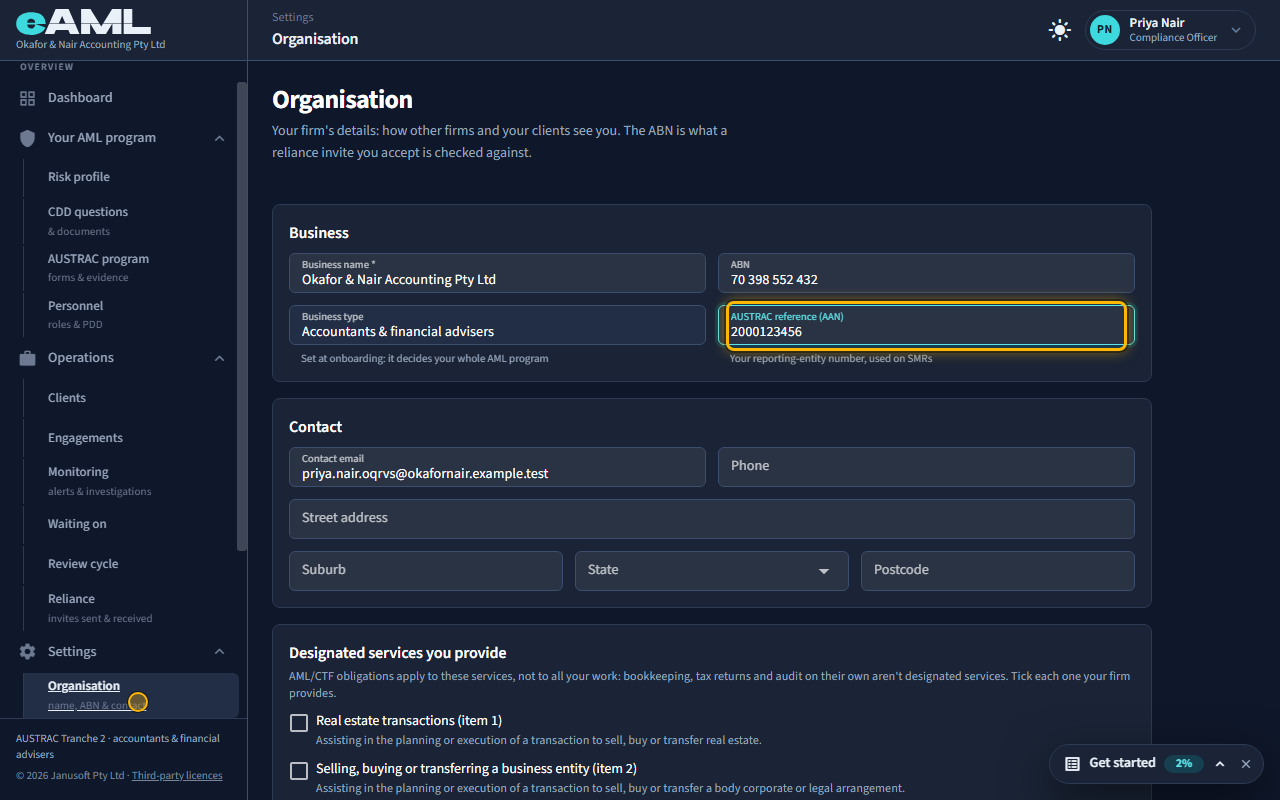
Check the business name and ABN, enter your AUSTRAC reference (AAN), and select Save.
Business name and ABN identify your firm; an ABN has 11 digits and is checked against the ABN register when you save. Business type is shown but cannot be changed here: it was set when you registered and it decides your whole AML program, which forms, questions and risk factors apply. The AUSTRAC reference (AAN) is your reporting-entity number, the one used on suspicious matter reports.
-
Contact details
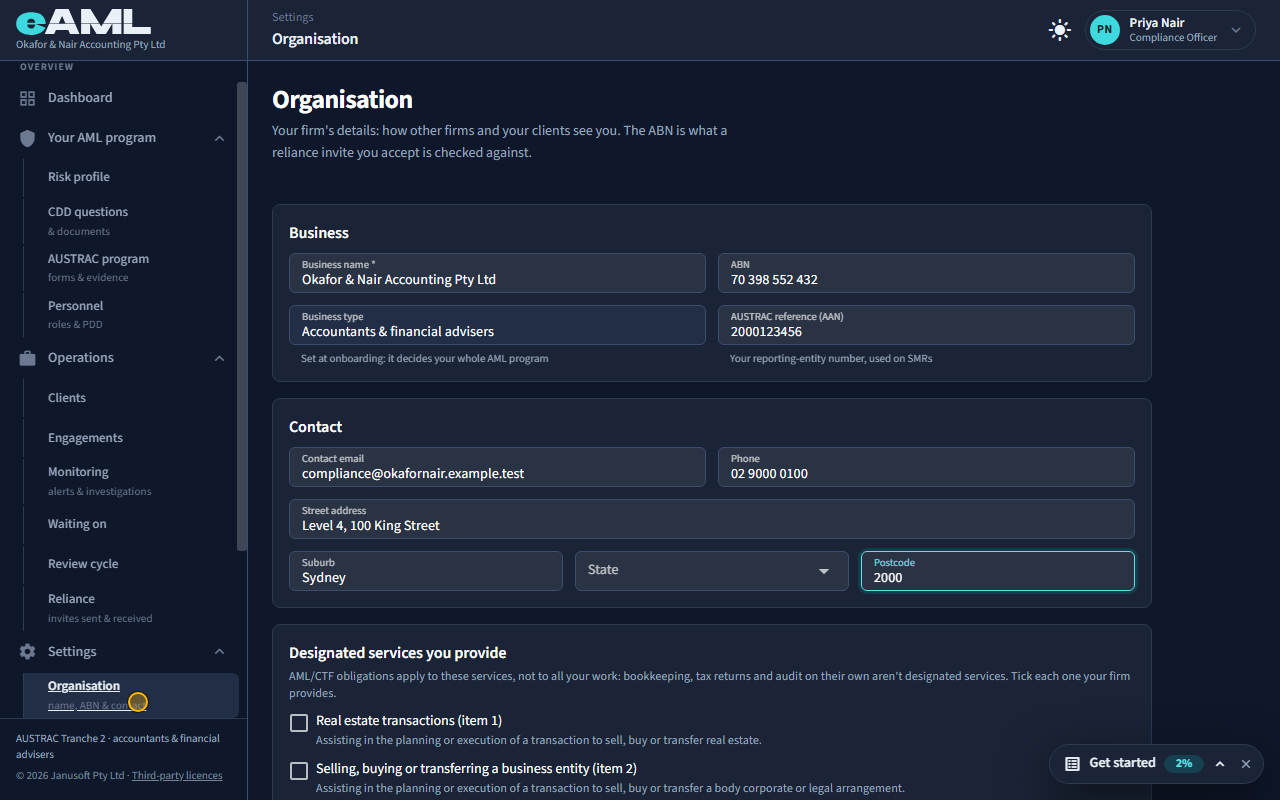
Enter the contact email, phone and street address.
The contact email and phone, and the firm’s street address: how other firms and your clients see you.
-
The designated services you provide
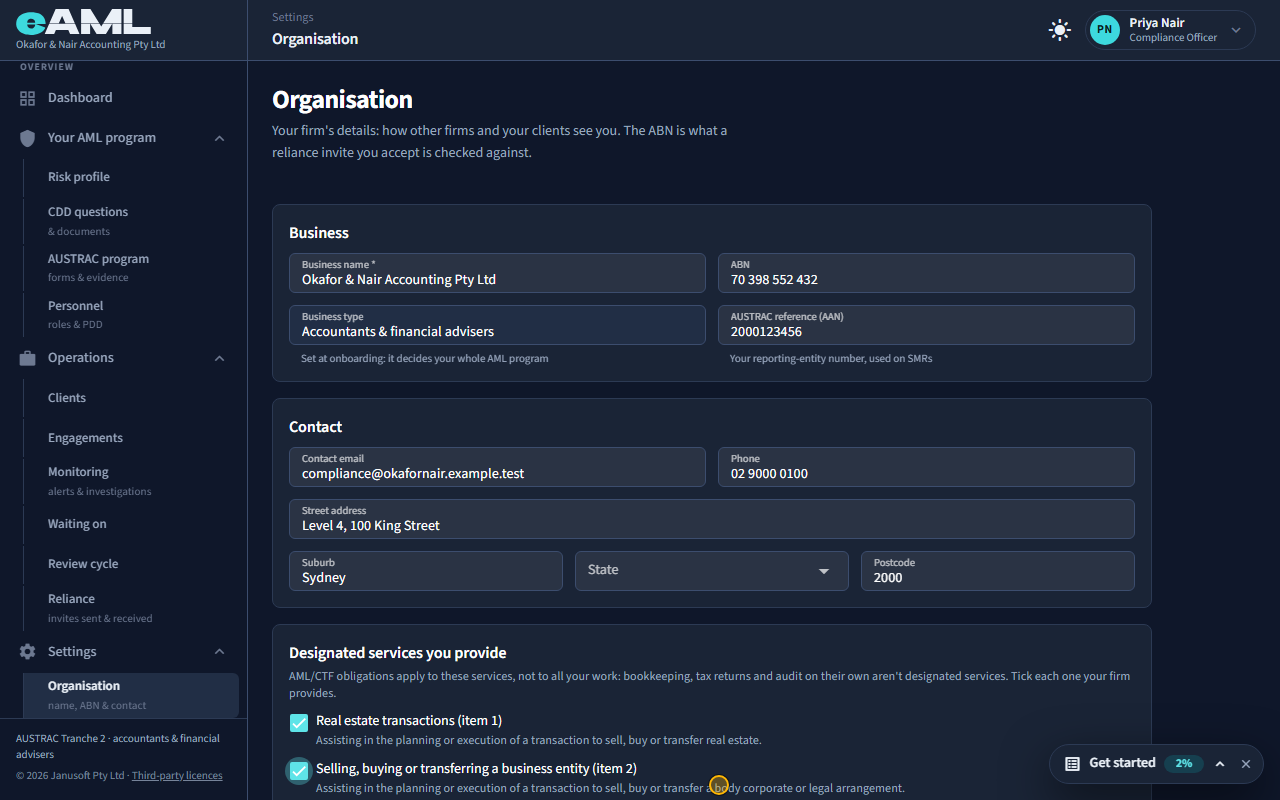
Tick each designated service your firm provides.
For a business type that offers more than one designated service, tick each one your firm provides. Your AML/CTF obligations apply to those services, not to all your work: bookkeeping, tax returns and audit on their own are not designated services. Your program and risk assessment cover what you tick here, and each engagement you open says which service it is for. A business type with one designated service, such as real estate, does not show this list.
-
Save
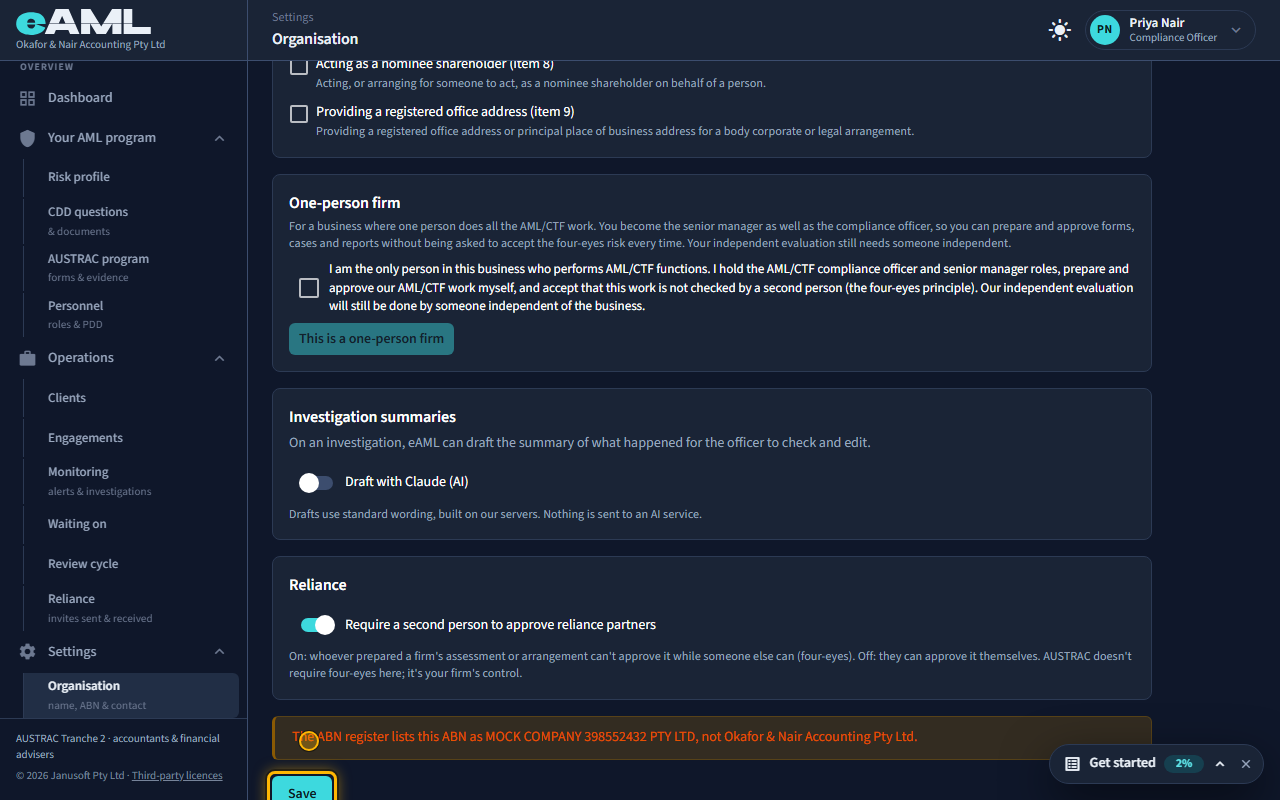
Select Save.
Select Save to keep everything on the page. If the ABN register disagrees with something you entered, for example the name, you are shown what it found: the save has already happened, and it is for you to look at.
-
Reliance: a second person to approve?
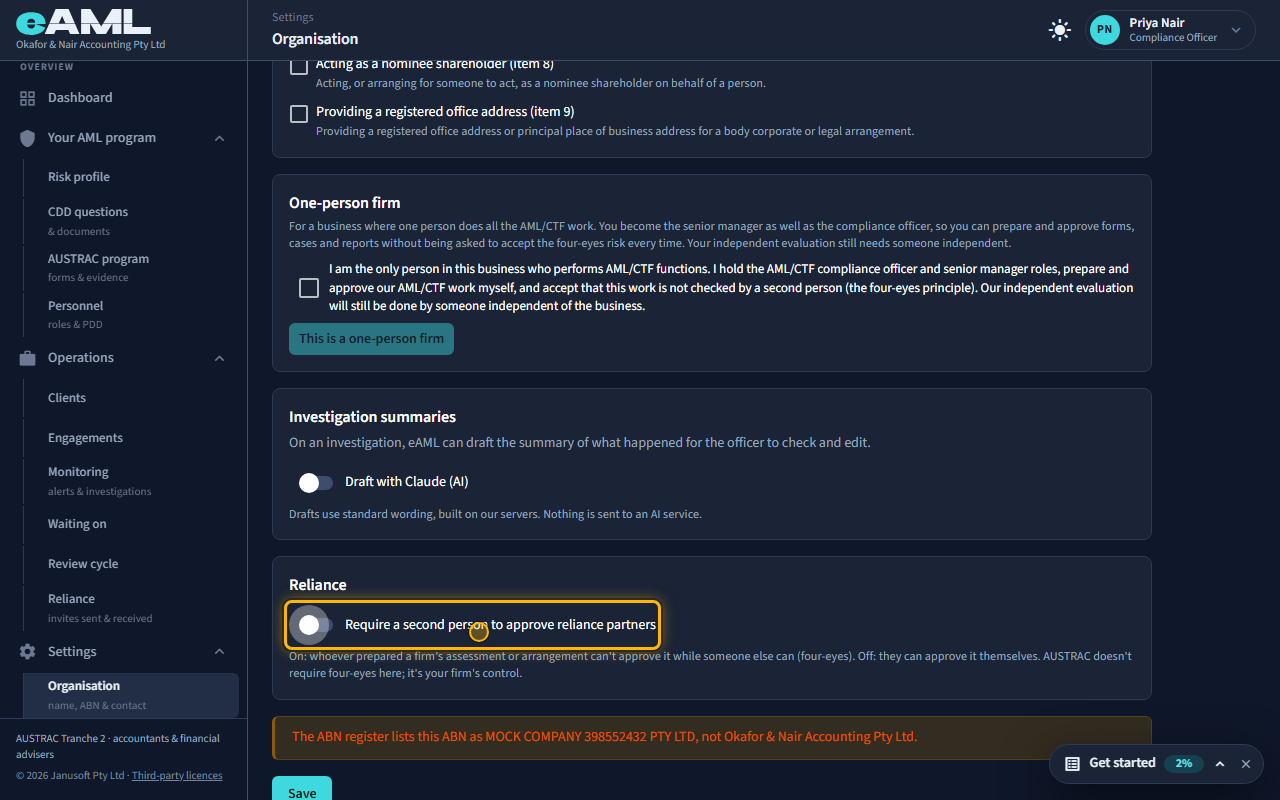
Switch Require a second person to approve reliance partners on or off, and Save.
When you rely on another firm’s checks, someone approves the arrangement. With this switch on, whoever prepared a firm’s assessment or arrangement cannot approve it while someone else can: four eyes. With it off, they can approve it themselves. AUSTRAC does not require four eyes here; it is your firm’s own control.
-
One-person firm
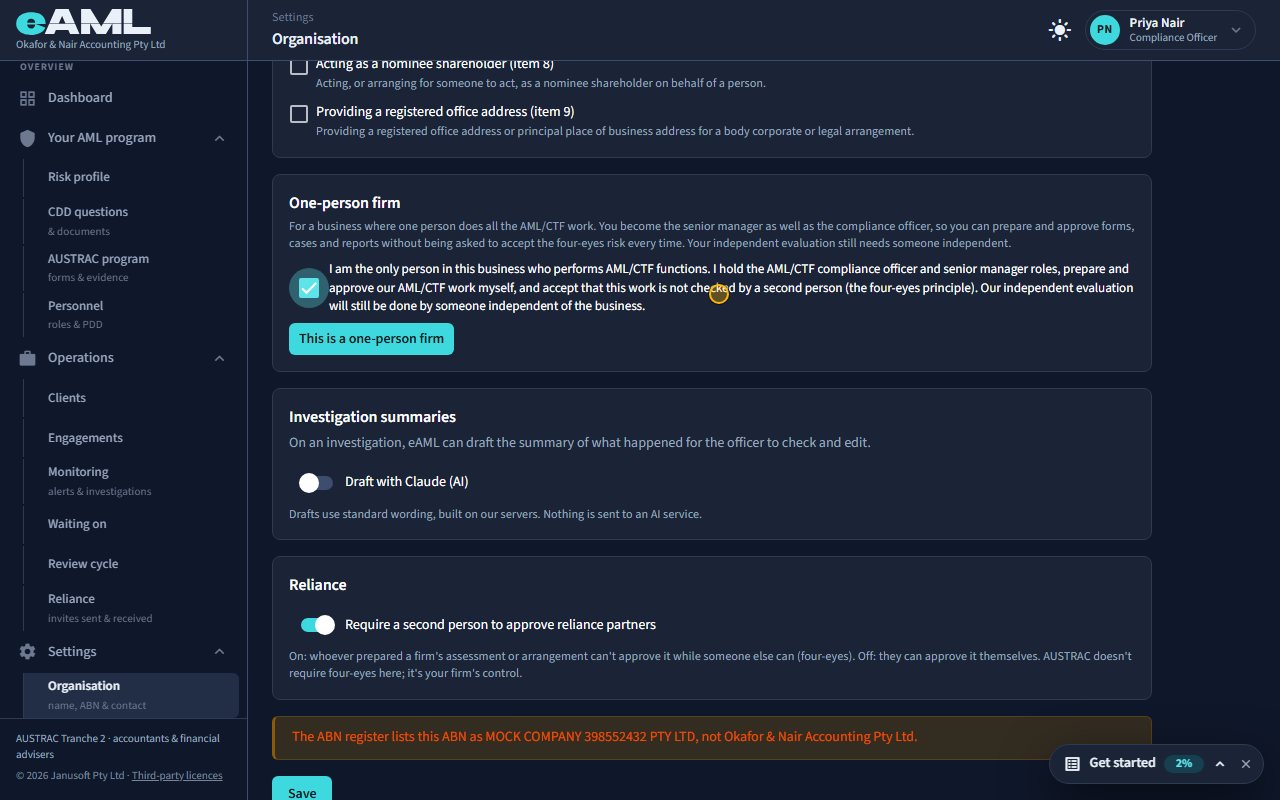
Tick the statement, then select This is a one-person firm.
If one person does all your AML/CTF work, say so once here. You read and accept a statement: you are the only person who performs AML/CTF functions, you prepare and approve your own work, and you accept it is not checked by a second person. You become the senior manager as well as the compliance officer, so you can prepare and approve forms, cases and reports without being asked to accept the four-eyes risk each time. Each self-approval is still recorded in the audit log. It is not available while anyone else in your firm could approve, and your independent evaluation still needs someone independent.
Every screen in this guide was captured from the live application in the same run as the video, so the two always match. If a screen here no longer matches what you see, tell us: the guide is regenerated after each release.